
Landing your dream job is never just about skills. It’s also about how you present them. In today’s competitive job market, recruiters often spend less than 7 seconds scanning a resume before deciding if it deserves a closer look. That’s where a good resume template becomes essential.
This guide will cover the 10 best resume templates for 2025, explain how to use them effectively, and provide step-by-step tips to help you stand out from the crowd.
Why Choosing the Right Resume Template Matters
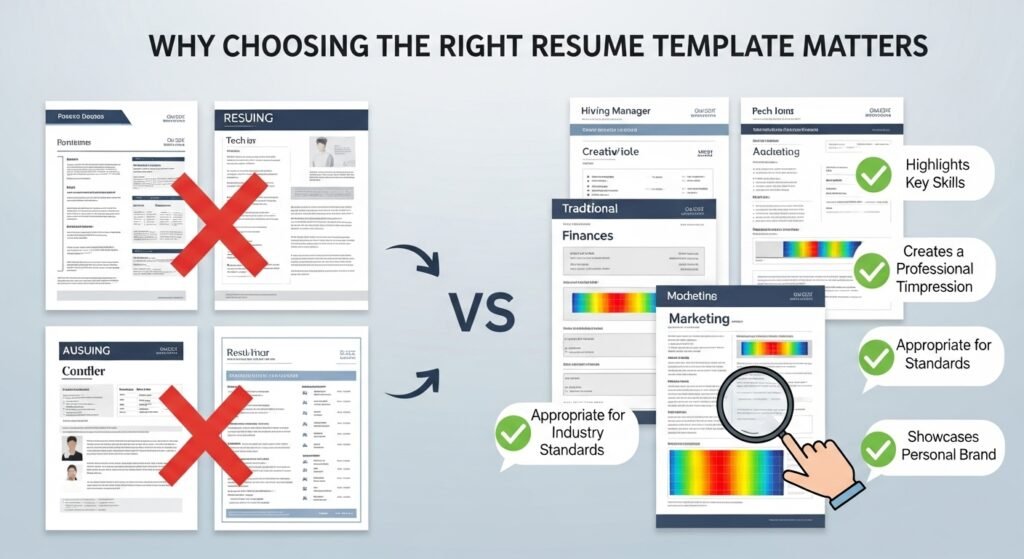
A resume is more than just a list of jobs and degrees—it’s a personal marketing tool. The right resume template:
- Highlights your strengths clearly.
- Ensures readability for applicant tracking systems (ATS).
- Gives a modern, professional appearance to grab attention.
Recruiters receive thousands of resumes. If yours doesn’t stand out visually while remaining professional, you risk being overlooked—even if you’re highly qualified.
Key Features of an Effective Resume Template
Before we look at specific templates, let’s outline what makes a resume template effective:
- ✅ ATS-Friendly Layout (no complicated graphics or tables)
- ✅ Clear Sections (Work Experience, Skills, Education, Achievements)
- ✅ Consistent Formatting (same font, spacing, bullet points)
- ✅ Easy-to-Scan Design (bold headers, plenty of white space)
- ✅ Customizable Options (color schemes, fonts, sections)
Pro Tip: Use clean fonts like Calibri, Helvetica, or Lato instead of decorative ones.
Types of Resume Templates
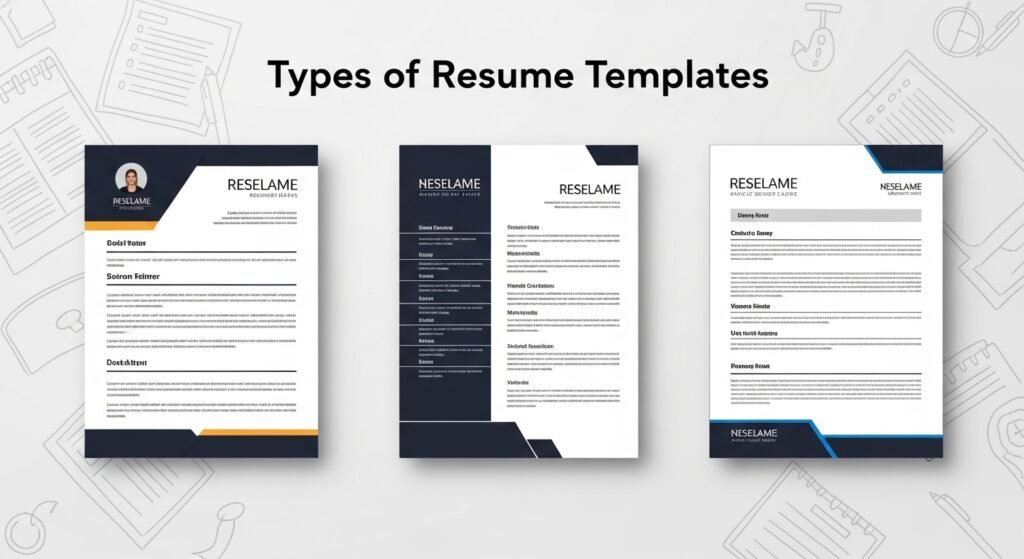
Different career paths require different styles of resumes. Here are the main formats:
a) Chronological Resume Template
- Best for professionals with a consistent work history.
- Lists jobs in reverse order (most recent first).
- Widely preferred by recruiters and ATS systems.
b) Functional Resume Template
- Focuses on skills and strengths, not work history.
- Ideal for career changers or newcomers.
c) Hybrid/Combination Resume Template
- Mixes chronological and functional styles.
- Great for showcasing both skills and experience.
10 Best Resume Templates in 2025
Here are the top 10 resume templates that will help you land your dream job this year:
Modern Minimalist Template
- Clean lines, bold headings, neutral colors.
- Perfect for tech jobs, startups, and creative roles.
Professional Corporate Template
- Conservative design with simple formatting.
- Ideal for finance, law, or government jobs.
Creative Visual Template
- Subtle graphics, sidebars, and icons.
- Works for designers, marketers, and media jobs.
One-Page Compact Template
- Designed to fit all key details on a single page.
- Great for newcomers or those with limited experience.
Two-Column Resume Template
- Organizes content in side-by-side columns.
- Helps highlight skills on one side and experience on the other.
Hybrid ATS-Friendly Template
- Balanced between design and ATS readability.
- Perfect for those applying to both startups and large companies.
Infographic Resume Template
- Uses charts and visuals to showcase achievements.
- Best for creative professionals, but risky for ATS systems.
Elegant Serif Template
- Uses serif fonts (like Times New Roman or Georgia) for a classic look.
- Perfect for academia or research fields.
Bold Header Resume Template
- Strong headings with a splash of color.
- Great for sales, marketing, and leadership roles.
Student & Fresher Resume Template
- Focuses on education, skills, and internships.
- Perfect for recent graduates entering the job market.
| # | Template | Best For | Key Features | Pros | Cons |
|---|---|---|---|---|---|
| 1 | Modern Minimalist | Tech, startups, creatives | Clean lines, bold headers, neutral colors | ATS-friendly, sleek design | May feel too simple for some industries |
| 2 | Professional Corporate | Finance, law, government | Traditional layout, conservative formatting | Highly professional, recruiter-approved | Lacks creativity, very formal |
| 3 | Creative Visual | Designers, marketers, media | Sidebars, icons, subtle graphics | Eye-catching, unique | Not always ATS-safe |
| 4 | One-Page Compact | Freshers, limited experience | Single-page design, condensed content | Concise, quick to read | Not suitable for senior roles |
| 5 | Two-Column Layout | Mid-level professionals | Split sections (skills vs. experience) | Organized, efficient use of space | Columns can confuse ATS |
| 6 | Hybrid ATS-Friendly | Corporate & startups | Balance of modern design + ATS layout | Versatile, recruiter-approved | Less visual impact than creative styles |
| 7 | Infographic Resume | Creative professionals | Charts, visuals, graphic-heavy | Memorable, unique design | Risky for ATS compatibility |
| 8 | Elegant Serif | Academics, research roles | Classic serif fonts, traditional layout | Timeless, formal | Feels old-fashioned in some fields |
| 9 | Bold Header | Sales, leadership, marketing | Color-accented headings, structured sections | High visibility, strong impression | Colors must remain professional |
| 10 | Student & Fresher | Graduates, interns | Focus on education, skills, internships | Perfect for entry-level roles | Not ideal for experienced candidates |
💡 Place this table after your “10 Best Resume Templates” section for quick comparison. Works great for SEO + user engagement.
How to Customize Your Resume Template for Your Dream Job
No matter which template you choose, customization is essential. Follow these steps:
- Tailor to the Job Description: Use the same keywords from the job posting.
- Quantify Achievements: Instead of saying “Improved sales,” write “Increased sales by 35% in 6 months.”
- Use Action Verbs: “Led,” “Developed,” “Created,” “Achieved.”
- Adjust Colors: Stick to professional tones (navy, gray, black, deep green).
- Save in Multiple Formats: PDF for sending, DOCX for ATS upload.
Resume Mistakes to Avoid at All Costs
Even the best template can’t save you if your content is weak. Avoid these common mistakes:
- ❌ Spelling or grammar errors
- ❌ Using an unprofessional email address
- ❌ Adding irrelevant job experience
- ❌ Using too many colors or fonts
- ❌ Not customizing for each job
Voice-Search Friendly FAQs About Resume Templates
Q1: What is the best resume template for newcomers in 2025?
A one-page compact or student template that focuses on skills and education.
Q2: Which resume template is best for career changers?
A functional or hybrid template that highlights transferable skills.
Q3: Do resume templates work with ATS systems?
Yes, if they are ATS-friendly (simple formatting, no complex graphics).
Q4: Should my resume template be one page or two pages?
One page if you have less than 7 years of experience; two pages if you have more.
Q5: Can I use color in my resume template?
Yes, but stick to subtle professional tones.
Final Thoughts
The best resume template for 2025 is one that matches your career stage, industry, and personal style. Whether you’re a newcomer or a senior executive, choosing the right template—and customizing it properly—can mean the difference between landing an interview or being overlooked.
Remember: Your resume template doesn’t just showcase your experience; it showcases your professionalism.
for more articles click here


Leave a Reply